Slingshot Bio
Roboto converged Slingshot Bio's WordPress and Shopify sites into one headless Shopify build on Next.js and Sanity, instrumented end to end and AI-ready.
View case study


From Webflow to Directus
Last verified:
The process
First we check the existing Webflow and see whether the data is clean enough to move straight over to Directus, and plan around any auth walls or bot protection in the way.
Then we work out how Webflow renders its pages and pull the content out, even without CMS access.
Everything extracted runs through our sanitization pipeline, which flags slop, normalizes structure, and leaves us clean content to work with.
Before anything moves, we agree the Directus content model with you, shaped around how your editors actually work.
We transform the content to the agreed schema and run a full dry run, so mappings and edge cases prove out before production.
Once the dry run is clean, everything moves into Directus in one controlled cutover.
Every old URL gets mapped to its new home with the right redirect, so rankings and link equity survive the move.
Finally, automated browsers sweep the new site for data issues, design regressions, and missing SEO signals.
Key pain points
Now for the part Webflow doesn't put on their homepage. Pricing escalates fast. The $25/month Premium plan sounds reasonable until you stack Workspace seats and bandwidth overages on top, and enterprise contracts are custom-quoted deals that routinely land well into five figures a year for high-traffic sites. The CMS editor is the other pain point everyone loves to hate. Tiny text fields, awkward formatting, and the occasional "why did hitting save unpublish my article?" moment. Not the confidence you want from a content platform.
Then there are the technical walls. Only one designer can edit the canvas at a time. Reference fields have shallow depth. CMS reference limits force strange workarounds for anything resembling real relational content. And if you ever want to leave Webflow, the exported code drops CMS content, interactions, and animations, so your "no-code" site suddenly needs code everywhere.

Expensive pricing tiers
Webflow starts cheap, but the moment you need CMS items, traffic, or team features, the bill jumps fast. If you want just 10 pages, go ahead. But if you need an enterprise website, we suggest reconsidering.
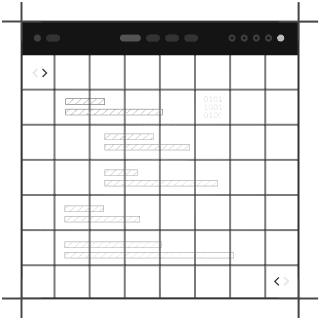
Outdated CMS editor interface
For all the design polish, the CMS editor feels stuck in another decade. Tiny text fields, formatting quirks, and the occasional "why did that unpublish my live page?" moment doesn't help content teams move fast.
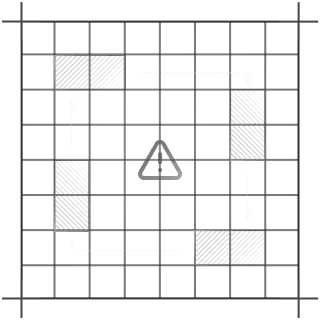
CMS reference limitations
Complex content models often require hacks, workarounds, or custom code anyway, which defeats the "no-code" dream. It doesn't have repeaters or shallow reference depth, and collection limits add friction to what should be simple tasks.
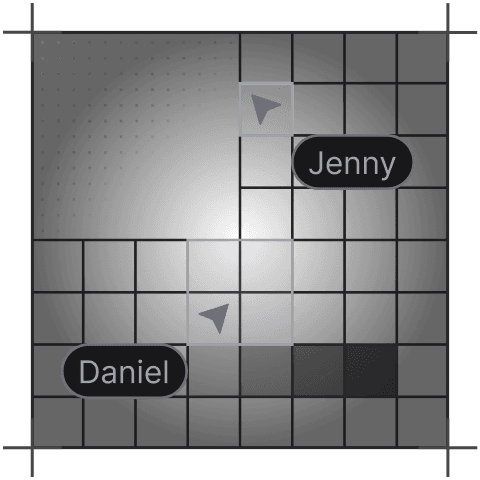
Single-designer collaboration limit
Only one designer can work in the Webflow canvas at a time. On larger projects, this turns teamwork into a queue.
Third-party integration dependency
If you need advanced features, prepare to stitch in custom code or third-party services. The plugin ecosystem is small, so extending Webflow usually means bolting on tools outside the platform.
Limited export functionality
You can export your site, but you lose CMS features, interactions, and animations the moment you do. It’s more like a one-way door than a portable build.
Key advantages
Directus instantly wins points with us because, well… it has a rabbit for a logo. But beyond that, it's genuinely a solid database-first CMS. If you like the idea of a CMS that sits directly on top of your SQL database without any abstractions, Directus feels incredibly natural.
You can self-host it, tweak it endlessly, and treat your schema exactly the way you want. Editors get a no-code admin UI that feels polished, developers get REST and GraphQL out of the box, and teams get workflows, versioning, automations, and proper permission controls. It's flexible, fast, and a great fit if your content is really just structured data waiting for a smarter interface. If your project revolves around relational data and you want total control from database to API, Directus is one of the cleanest ways to build it.
Intuitive non-technical interface
Editors get a clean, no-code admin panel that feels more like a productivity tool than a CMS. Non-technical teams can handle content updates without pinging developers every five minutes.
Database-agnostic SQL integration
Directus plugs straight into your SQL database and turns it into an API instantly. If your data lives in Postgres, MySQL, MariaDB, or SQLite, it just works.
Field-level permission controls
You can lock down every field, table, and action with granular role-based permissions. Perfect for teams that care about security and don't want interns accidentally deleting production data.
Built-in REST/GraphQL support
Your entire database is instantly exposed as both REST and GraphQL endpoints. Just plug into your frontend and start shipping.
Extensive UI customization
Directus lets you tweak the interface, add custom views, tailor layouts, and build the exact editing experience your team needs. It feels like a CMS you can actually shape instead of fight.
Real-time collaborative editing
Multiple contributors can work in the Studio at the same time without stepping on each other's toes. Collaborative editing shipped in February 2026, so drafts stay clean and the whole workflow feels built for modern teams, not 2010 intranets.
AI Assistant with image and PDF support
The built-in AI Assistant can process images and PDFs as well as text, and it works across OpenAI, Anthropic, and Google Gemini. It's a genuinely useful addition rather than a feature-list checkbox.
Tell us what you're building. We reply within one working day. Jono or someone on the team picks up every message personally.
Join the growing list of successful migrations