Case Study
View Case StudyTray.ai
Migrating hundreds of thousands of pages, re-platforming and extending for the leading composable AI integration platform


From Sanity to Kentico
Last verified:
Key pain points
We obviously prefer Sanity, so much so that our own website is on Sanity. But if you don't have the right implementation team, you might find yourself in a bad situation. Its highly customizable nature can lead to complexity and time-consuming setup processes for less experienced developers. We've inherited our fair share of stinkers, but we advise that before you jump ship, you let us look over it to see if it's salvageable.
That said, if you are considering moving, we can help you migrate away with automated migration scripts, web scraping, and content mapping. It'll be a 1:1 with whatever platform you choose.
Not always plug-and-play
Sanity gives you a ton of flexibility, but it’s not a “drag-and-drop” CMS. If your team prefers instant themes and presets, you’ll need a little extra setup to get started.
Potentially high resource demand
As your content model grows, Sanity gives you incredible power and real-time performance. Just keep in mind that very large projects may require a bit more horsepower behind the scenes.

Less ideal for beginners
Editors love Sanity once everything is set up, but teams switching from traditional CMSs may need a short onboarding period to learn the workflow.

Infrastructure management needed
Unlike hosted CMS platforms, you own your content pipeline. That gives you full control and scalability, but also means setup and environments need to be managed properly.
Technical skill required
Since Sanity is schema-driven, developers can model content precisely the way your business needs it. Non-technical teams benefit from that structure, but setup usually requires engineering support.

Complexity in setup
Sanity doesn’t force rigid templates or assumptions. You have to define everything like content, structure, and workflows. The tradeoff: a bit more initial setup for much more flexibility long-term.
Key advantages
If Corporate Memphis art, dashboards, and spreadsheets are what you need, Kentico might be your happy place. The interface feels like Microsoft Office; that is, it is familiar, editor-friendly, and hard to break. And unlike platforms that need 14 plugins and a prayer, Kentico ships with the whole toolkit. It has marketing automation, e-commerce, workflows, multisite, multilingual, and the entire lot.
It scales well, handles heavy enterprise workloads, and integrates cleanly through APIs. But it is not the right fit for tiny brochure sites, but for large organizations that want everything under one roof, it’s a serious contender. If you’re unsure whether you really need the full armoury, send it our way and we’ll tell you if you’re ready for Kentico or if you’re just buying a tank to deliver pizza.
User-friendly interface
Kentico’s UI feels familiar with “Office toolbar,” like functions, rather than “developer terminals.” Editors can publish, schedule, and update content without needing a developer on standby.

Built in tools
You don’t need to glue together 12 plugins just to run campaigns or sell products. Kentico ships with automation, personalization, analytics, and e-commerce baked in.
Flexible API and extensibility options
If your team speaks .NET, Kentico supports it. Its APIs and integration options make it easier to connect CRMs, ERPs, BI tools, and custom services without duct-tape engineering.

Workflow and role management system
It has multiple approvers, granular permissions, and strict publishing rules. Legal, marketing, and IT can all sign off without stepping on each other.
Fast onboarding + safe staging
Training is quick, publishing is simple, and staging environments keep mistakes from going live. Teams can work confidently without “oops, wrong button” moments.
Headless-ready
If you want speed, security, and headless flexibility, Kentico delivers. Content moves fast, scales well, and supports multi-site or multilingual setups without falling over.
Fill out the form below and we'll get back to you
Join the growing list of successful migrations
Case Study
View Case StudyMigrating hundreds of thousands of pages, re-platforming and extending for the leading composable AI integration platform
Case Study
View Case StudyFrom Sanity overages to instantaneous publishing, we brought Mario Testino into the fast lane, and did it in style.

Case Study
View Case StudyHelping the UAE's most prolific Pay in 4 merchants scale their design system and composable infrastructure.

Case Study
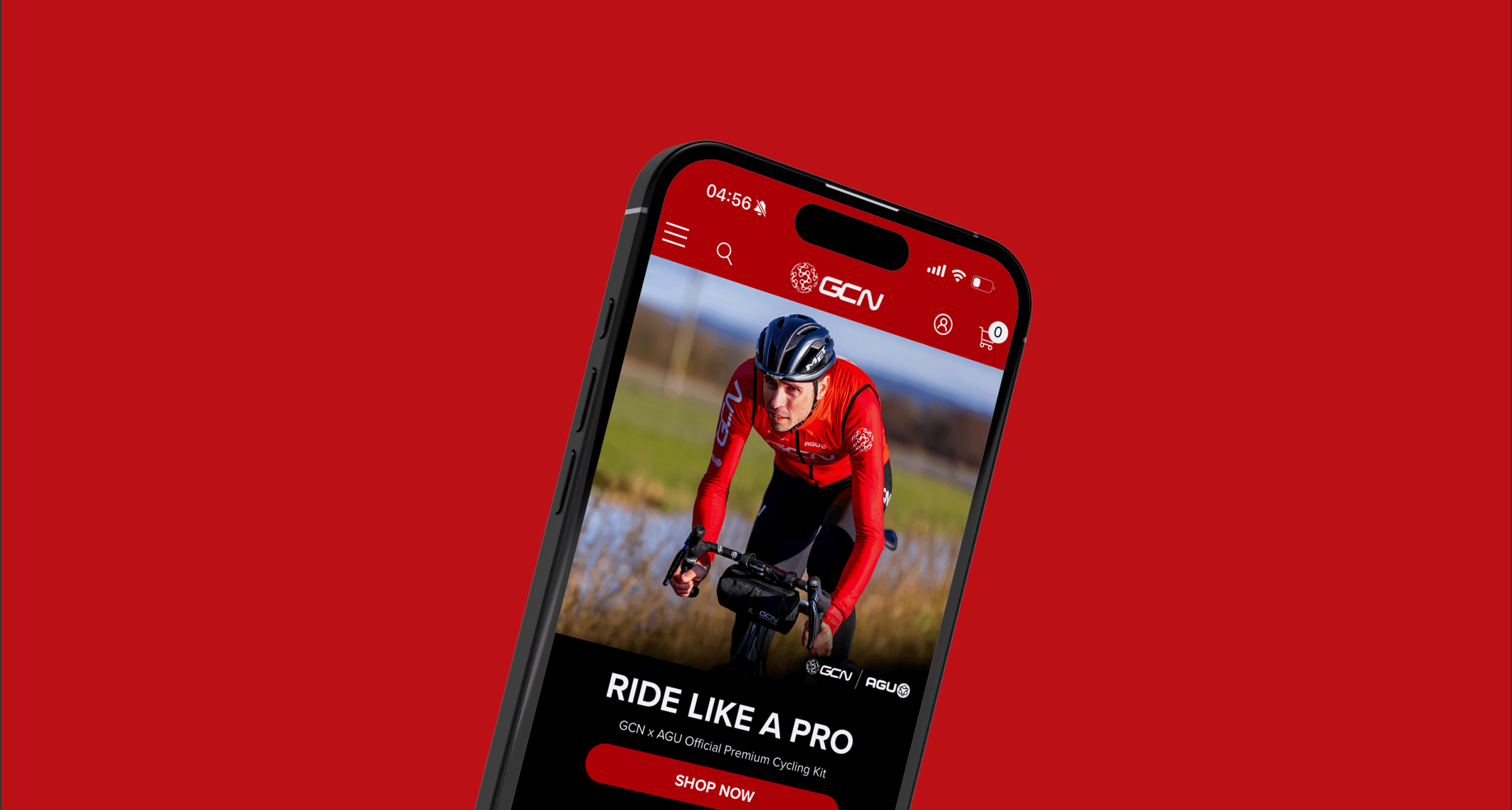
View Case StudyHow we helped the fastest growing online cycling community, push the editorial velocity to new heights.