Case Study
View Case StudyTray.ai
Migrating hundreds of thousands of pages, re-platforming and extending for the leading composable AI integration platform


From Magnolia to Framer
Last verified:
Key pain points
Magnolia is the definition of “enterprise for the sake of enterprise.” The setup is heavy, the learning curve is brutal, and unless you have a Java team lying around, good luck getting anything done without burning through budget. The proprietary modules lock you in fast, integrations feel like a maze, and the admin interface slows to a crawl once you start dealing with real content volume. The pricing is expensive, opaque, and somehow still manages to feel bad value. If you're not a Fortune 500 with a tolerance for pain, it’s a project risk.
And honestly, who even uses Java anymore?

Steep Java learning curve
Magnolia expects your team to be fluent in Java and its ecosystem, which slows onboarding and makes even simple tasks feel heavier than they should.

Resource-intensive setup
It demands serious infrastructure and long setup cycles, which immediately rules it out for teams that expect fast iteration or modern DevOps workflows.

Vendor lock-in concerns
Once you're in, you're in. Magnolia’s proprietary modules make moving away painful, expensive, and often not worth the engineering time.
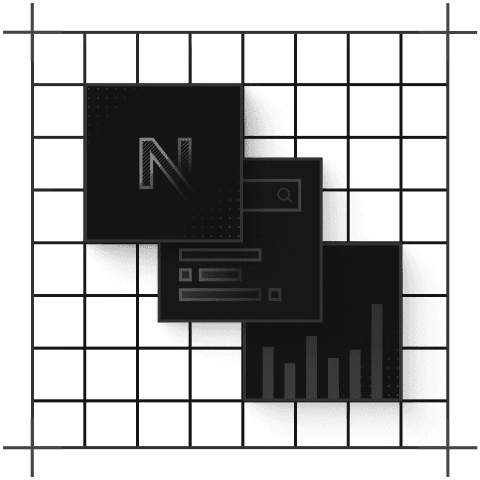
Complex third-party integration
Connecting Magnolia with modern tools and APIs isn’t straightforward, usually requiring custom Java work instead of simple plug-and-play integrations.
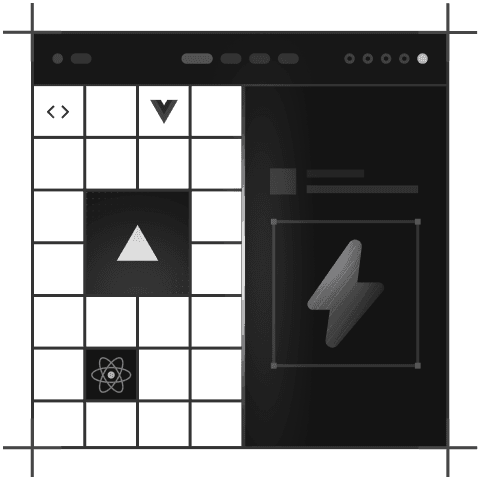
Native subscription support
Licensing is firmly enterprise-tier, with opaque pricing and steep annual fees that can balloon quickly, a bad fit unless you're Fortune 500.

Proprietary module reliance
Key features live behind Magnolia’s own tightly controlled modules, limiting flexibility and forcing teams to work the “Magnolia way” instead of choosing best-in-class tools.
Key advantages
If you live in Figma all day, Framer is the right choice for you. You can import your layouts, tweak a few interactions, hit publish, and suddenly you’ve “built a website” without ever opening VS Code. The no-code editor is fast, the animations look like you actually care about UI, and the built-in hosting + global CDN means you never have to touch a server or pretend you know what an SSL certificate is.
Multiple people can jump in, rewrite copy, adjust layouts, and preview the site instantly in real time with zero handoff pain, and “can you push this to staging?” nonsense. The SEO defaults are strong, images automatically behave, and performance is fast without you having to obsess over Lighthouse scores.
Can't knock the service, but we're here when you're looking to build something more scalable.
Ability to control layout with drag and drop
You can drag, drop, and publish without the need for any developer or having experience in website development. With Framer, you can easily turn your mockup into a working page.
Quick and cheap to build something
If you need a site yesterday (and on a budget), go ahead with Framer. You can go from a Figma-level idea to a live marketing page in a few hours without writing any code or having developers wait on stand-ups.

Some optimization comes by default
Framer quietly handles things like image compression, semantic markup, and basic SEO hygiene. You ship quickly, and the site doesn't fall apart in Lighthouse analyses.
Huge library of themes
You can pick a template, tweak a few components, and you’re basically done. Its theme library is stacked, and most of it looks “portfolio ready” right out of the box.

Real-time team collaboration
Multiple people can jump in, edit, comment, and tweak designs live like Figma. It speeds up feedback loops and kills the endless back-and-forth.
Intuitive, designer-friendly UI
If you know your way around Figma, you’ll be able to use Framer without any difficulty. Framer’s interface is simple, and keeps designers moving without begging a developer for help.
Fill out the form below and we'll get back to you
Join the growing list of successful migrations
Case Study
View Case StudyMigrating hundreds of thousands of pages, re-platforming and extending for the leading composable AI integration platform
Case Study
View Case StudyFrom Sanity overages to instantaneous publishing, we brought Mario Testino into the fast lane, and did it in style.

Case Study
View Case StudyHelping the UAE's most prolific Pay in 4 merchants scale their design system and composable infrastructure.

Case Study
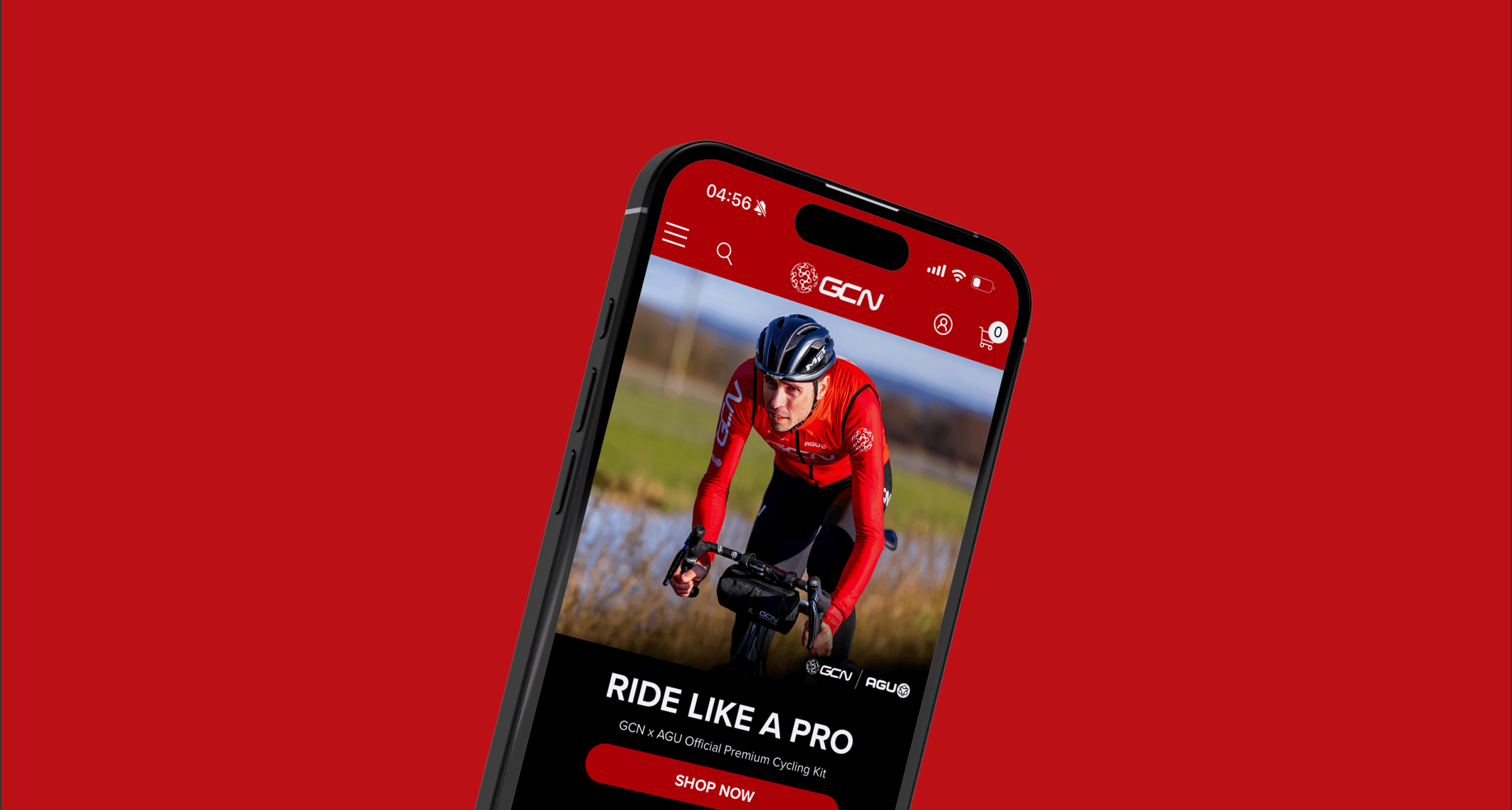
View Case StudyHow we helped the fastest growing online cycling community, push the editorial velocity to new heights.