Case Study
View Case StudyTray.ai
Migrating hundreds of thousands of pages, re-platforming and extending for the leading composable AI integration platform


From Magnolia to Adobe Experience Manager
Last verified:
Key pain points
Magnolia is the definition of “enterprise for the sake of enterprise.” The setup is heavy, the learning curve is brutal, and unless you have a Java team lying around, good luck getting anything done without burning through budget. The proprietary modules lock you in fast, integrations feel like a maze, and the admin interface slows to a crawl once you start dealing with real content volume. The pricing is expensive, opaque, and somehow still manages to feel bad value. If you're not a Fortune 500 with a tolerance for pain, it’s a project risk.
And honestly, who even uses Java anymore?

Steep Java learning curve
Magnolia expects your team to be fluent in Java and its ecosystem, which slows onboarding and makes even simple tasks feel heavier than they should.
Resource-intensive setup
It demands serious infrastructure and long setup cycles, which immediately rules it out for teams that expect fast iteration or modern DevOps workflows.

Vendor lock-in concerns
Once you're in, you're in. Magnolia’s proprietary modules make moving away painful, expensive, and often not worth the engineering time.
Complex third-party integration
Connecting Magnolia with modern tools and APIs isn’t straightforward, usually requiring custom Java work instead of simple plug-and-play integrations.
Native subscription support
Licensing is firmly enterprise-tier, with opaque pricing and steep annual fees that can balloon quickly, a bad fit unless you're Fortune 500.

Proprietary module reliance
Key features live behind Magnolia’s own tightly controlled modules, limiting flexibility and forcing teams to work the “Magnolia way” instead of choosing best-in-class tools.
Key advantages
AEM is the kind of platform you only choose if you’re a Fortune 500 company or enjoy voluntarily suffering. I hate anything Adobe builds. It’s bloated, overpriced, and aggressively designed to lock you into their ecosystem. But fine, here are the positives: the Adobe integration is unmatched. If your entire organisation already lives inside Creative Cloud, Analytics, and Target, AEM becomes this giant DXP monolith that handles assets, personalization, segmentation, and multi-channel delivery without breaking a sweat. The DAM is legitimately powerful, and it scales like a tank.
If you’re not operating at scale, you’ll spend absurd money for problems a clean Sanity + modern composable stack solves better and cheaper. If you are considering AEM or escaping it, get in touch. We’ll help you choose something that won’t haunt your ops team for the next decade.
Integration with Adobe tools
AEM connects with Creative Cloud, Analytics, and Target, letting teams move assets, data, and personalisation logic across tools without friction

Robust digital asset management
The DAM is genuinely powerful. It has AI tagging, smart cropping, versioning, and bulk optimisation for massive media libraries.
Consistent multi-channel delivery
AEM can push content to web, mobile apps, email, and more from one central source. Ideal for enterprises that need consistent messaging across every customer touchpoint.
Flexible architecture
Supports both classic and headless approaches, letting teams mix legacy setups with modern frontends. It’s adaptable enough for companies with complicated stacks.
Scalable enterprise-level operations
AEM is designed to handle huge traffic, global teams, and heavy workflows. It scales reliably when backed by proper infrastructure and Adobe’s cloud.
Intuitive user interface
For an enterprise platform, the UI is relatively approachable, helping large content teams manage complex workflows without needing to touch code.
Fill out the form below and we'll get back to you
Join the growing list of successful migrations
Case Study
View Case StudyMigrating hundreds of thousands of pages, re-platforming and extending for the leading composable AI integration platform
Case Study
View Case StudyFrom Sanity overages to instantaneous publishing, we brought Mario Testino into the fast lane, and did it in style.

Case Study
View Case StudyHelping the UAE's most prolific Pay in 4 merchants scale their design system and composable infrastructure.

Case Study
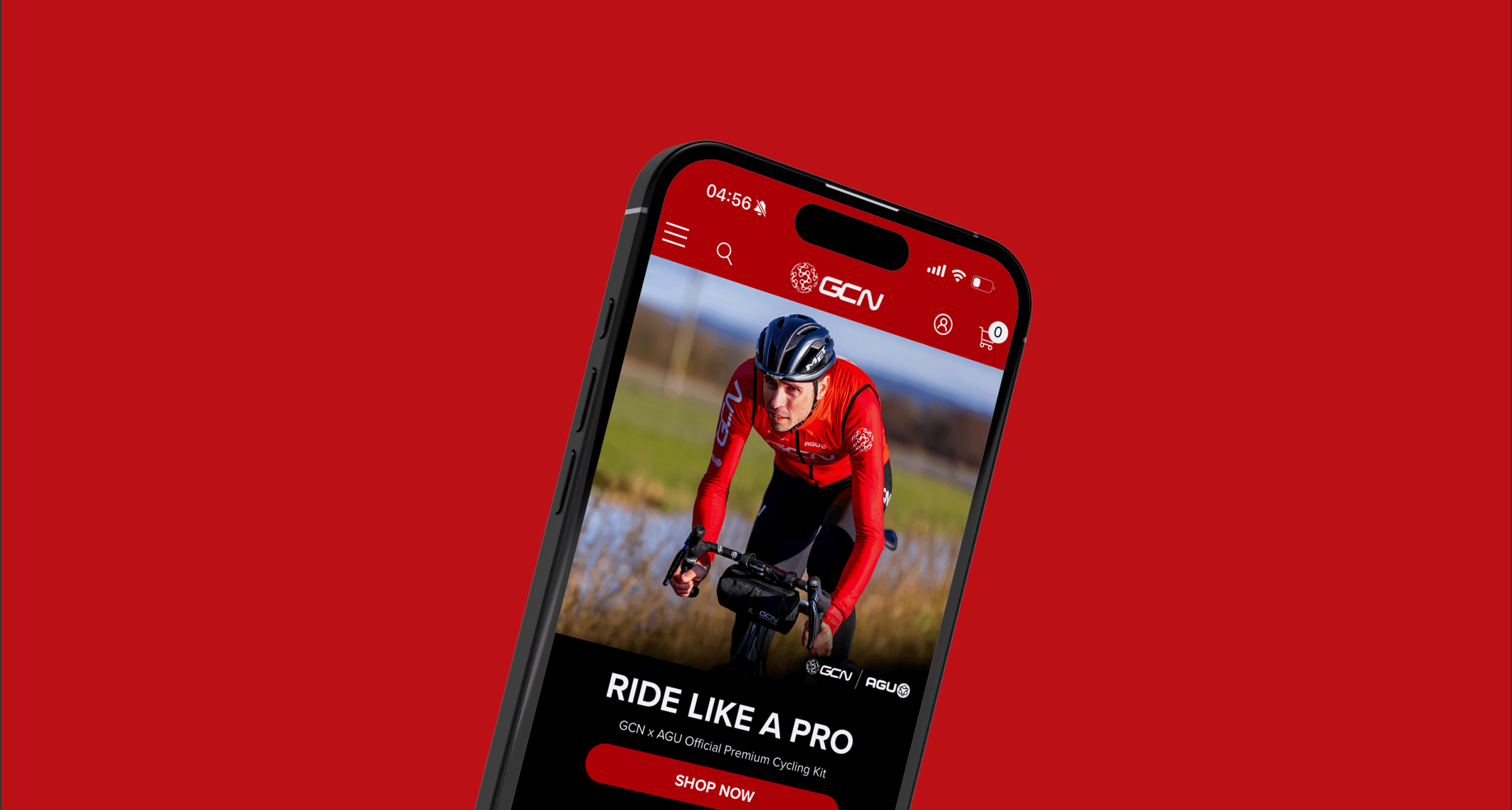
View Case StudyHow we helped the fastest growing online cycling community, push the editorial velocity to new heights.